You just handed back the keys to the moving truck, half your boxes are still taped shut, and your kid is asking why the Wi-Fi isn't working yet. Getting home internet set up fast at a new address is one of those tasks that sounds simple but has a surprising number of traps — wrong plan, long wait for a technician, equipment fees nobody warned you about. Here's how to do it right.
Step 1: Check What's Actually Available at Your New Address
This is the step most people skip, and it causes the most headaches. Not every carrier serves every street. AT&T Fiber might be available two blocks away but not at your exact address. Spectrum cable might be wired to your building but not to your unit. T-Mobile 5G Home Internet uses cell towers, so availability shifts by neighborhood too.
Before you call anyone, run address checks on each carrier's website:
- AT&T Fiber (fiber-optic, fastest and most consistent)
- Spectrum (cable, widely available in LA County and Orange County)
- T-Mobile 5G Home Internet (good backup option, especially in Rowland Heights and parts of Las Vegas)
- EarthLink, Astound, or local ISPs if you're in a less-served area
In parts of the San Gabriel Valley — Alhambra, San Gabriel, Arcadia — AT&T Fiber has expanded significantly, so it's worth checking even if it wasn't available at your old address.
Step 2: Understand the Real Cost (Not Just the Advertised Price)
The number in the ad is almost never the number on your first bill. Here's what actually adds up:
- Equipment rental fee — typically $10–$15/month for a modem or gateway, unless you bring your own
- Installation fee — can run $35–$100 depending on the carrier; sometimes waived during promotions
- One-time setup or activation fee — separate from installation on some plans
- Autopay discount — many carriers show prices that assume you enroll in autopay and paperless billing; skip those and the rate goes up
Ask the carrier directly: "What is the total monthly cost, all fees included, if I don't enroll in autopay?" That number is what you're actually paying.
Step 3: Think About Timing — It Matters More Than You'd Expect
Fiber and cable internet require a technician visit to activate service at a new address. Appointment windows book out fast, especially in denser areas like Irvine or Rancho Cucamonga. If you need internet on day one, don't wait until moving day to call.
Aim to schedule your installation appointment at least 7–10 days before your move-in date. If you're moving mid-month, technician availability is usually better than at the end of the month when everyone else is moving too.
If you need something the same week you move in, T-Mobile 5G Home Internet is often the fastest option to activate — the equipment ships to you and you plug it in yourself, no technician required. Speeds typically land around 100–300 Mbps for most households, which handles video calls, streaming, and schoolwork without issue.
Step 4: Set Up Your Equipment the Right Way
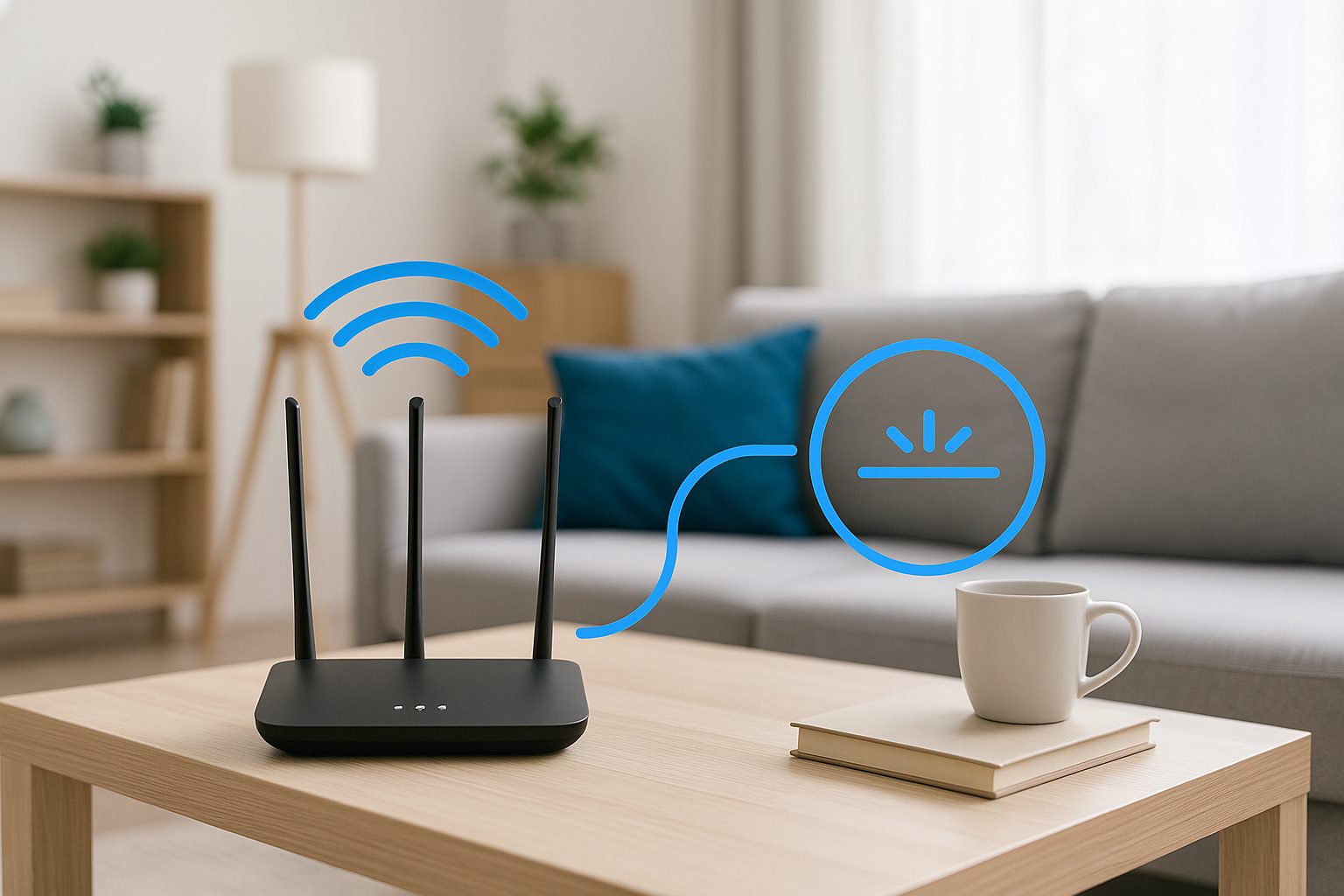
Whether you're using a carrier-provided gateway or your own router, placement matters a lot. A gateway shoved in a closet or behind a TV stand can cut your actual Wi-Fi speeds in half.
Where to put your router:
- Central location in the home, not a corner bedroom
- Off the floor — a shelf or countertop is better
- Away from microwaves, baby monitors, and thick concrete walls
- In a room where most devices are used, if you can't go perfectly central
If your home is larger than about 1,500 sq ft, a single router often won't cover everything cleanly. A mesh Wi-Fi system (like Google Nest or Eero) adds satellite units throughout the home and eliminates dead zones. Many families in Rowland Heights and Hacienda Heights with multi-story homes have switched to mesh setups and the difference is noticeable.
Naming your Wi-Fi network:
Set a separate name and password for 2.4 GHz and 5 GHz bands if your router supports it. The 5 GHz band is faster but shorter range — good for phones and laptops nearby. The 2.4 GHz band reaches further and works better through walls — good for smart home devices.
Step 5: Don't Forget These Easy-to-Miss Details
- Transfer, don't cancel: If you're staying with the same carrier, call to transfer service to your new address rather than canceling and re-subscribing. You may keep your existing rate and avoid a new activation fee.
- Check your lease or HOA: Some apartment buildings and HOA communities in Arcadia and Irvine have bulk internet agreements that cover basic internet in your monthly dues — meaning you may already have service and not know it.
- Update your address with the carrier: Billing address, service address, and account address all need to match, or you may run into verification issues later.
- Test your speeds: Once everything is live, run a speed test at fast.com or speedtest.net from a device connected by Wi-Fi, then again connected by ethernet cable directly to the gateway. The wired number tells you what the service is actually delivering; the Wi-Fi number tells you how well your router is performing.
A Quick Real-World Example
A family moving from Alhambra to Irvine checked AT&T Fiber availability at their new address two weeks before move-in, scheduled a technician appointment, and asked specifically about total monthly cost with no autopay. They also picked up a mesh Wi-Fi system because the new house was two stories. By move-in weekend, internet was already working. The kids were on their tablets before the couch was assembled.
Quick Takeaways
- Run an address check before choosing a carrier — availability is hyperlocal
- Ask for the all-in monthly price, not just the advertised rate
- Schedule your technician appointment early — 7–10 days minimum before move-in
- T-Mobile 5G Home Internet is the fastest to self-activate if you're in a hurry
- Place your router centrally and off the floor; consider mesh for larger homes
- Transfer service rather than cancel if you're staying with the same carrier
- Check your lease — bulk internet coverage might already be included
If you want hands-on help comparing plans at your new address, the team at iFixForU can walk you through AT&T Fiber, Spectrum, T-Mobile 5G Home, and other options — in English or Chinese (中文服务). You can explore your options at ifixforu.com/en/broadband, or just call or stop by at (626) 800-2030. With 17 locations across the San Gabriel Valley, Orange County, and Las Vegas, there's likely one near your new home.