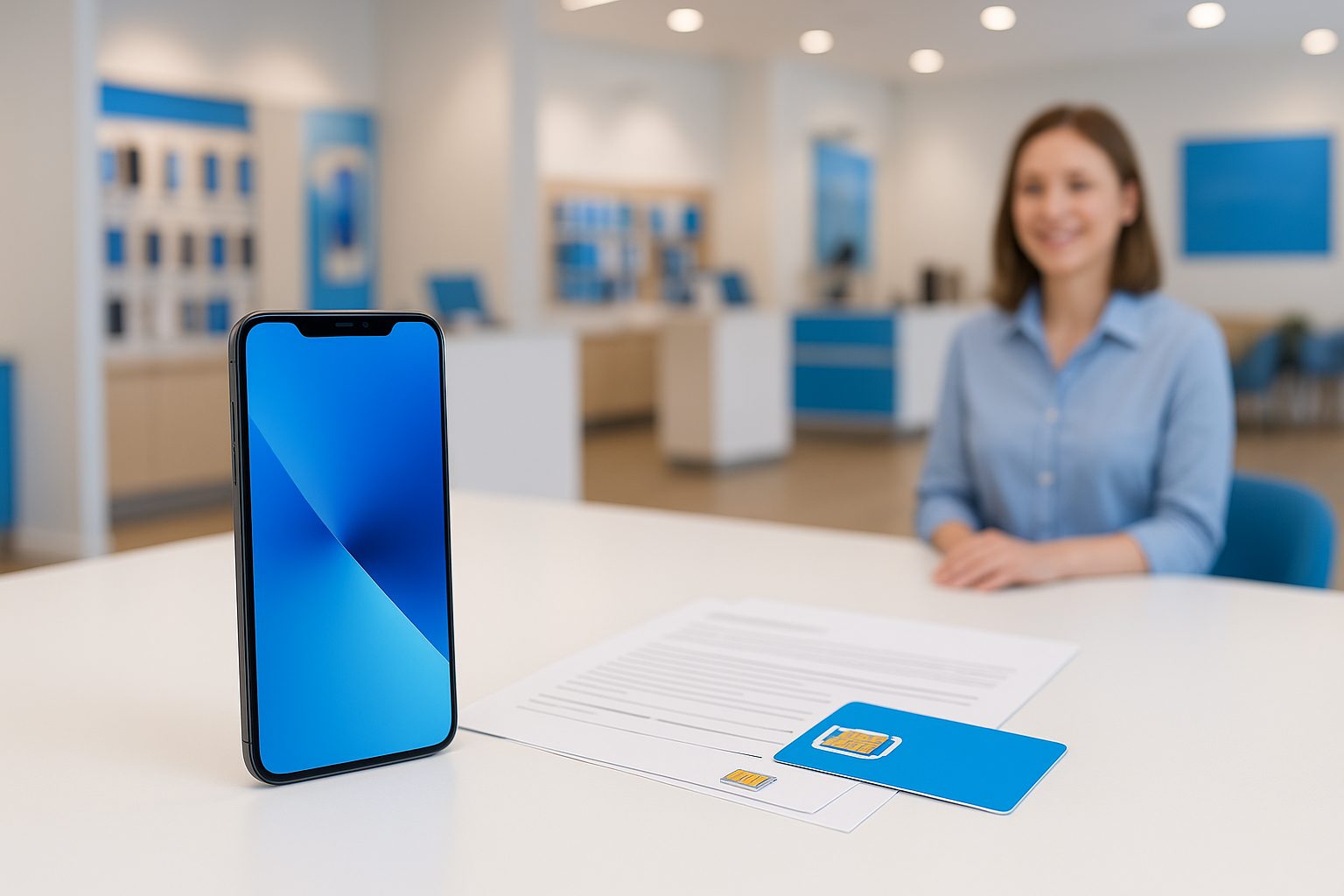
A customer walked into our Alhambra store last year holding two phones — her old one dead on the new carrier, her new SIM not yet active — and no working number for almost 48 hours. She'd done nothing wrong, exactly. She just hadn't known the three things that trip up almost every port-gone-wrong situation. This article covers all of them.
What "Porting Your Number" Actually Means
When you switch carriers, you don't need to give up your phone number. Federal law in the US requires carriers to let you take your number with you — this is called number portability, and it applies to cell numbers, landlines, and even some VoIP lines.
The process itself is handled between your old carrier and your new one. You give the new carrier your account info, they send a request to your old carrier, and at some point your number "flips" over. Simple in theory. The problems happen in the details.
One thing many people don't realize: your old carrier cannot legally block the port or charge you a fee just to release your number. They can bill you for your final month, but they cannot hold your number hostage.
The Four Things You Must Have Before You Start
This is where most failed ports begin — missing or wrong information. Before you walk into any carrier store or fill out a port request online, have these ready:
- Your account number with your current carrier (not your phone number — the actual billing account number, usually found on your bill or in your carrier's app)
- Your account PIN or transfer PIN — many carriers now issue a separate "transfer PIN" specifically for porting; check your carrier's app or call them to get it
- The name on the account exactly as it appears — even small spelling differences can cause a rejection
- Your billing zip code — this is the zip code tied to your account, which may differ from where you live now
If you're on a family plan and you want to port just your line, you may need the account holder's information, not your own. This trips up a lot of family members who are listed as secondary lines.
Timing: Don't Cancel First
This is the single most common mistake. Do not call your old carrier to cancel before you start the port. Once you cancel, your number can be released back into the pool and become unavailable.
Start the port request with your new carrier first. Once the port completes — which can take anywhere from a few minutes to 24 hours for most wireless-to-wireless transfers — your old account closes automatically. You don't have to do anything.
Ports from prepaid carriers (like Mint Mobile, Visible, or Metro) are often the fastest — sometimes under an hour. Ports from postpaid carriers like AT&T, T-Mobile, or Verizon can take a few hours to a full business day. Landline-to-mobile ports can take several business days because a different system handles those.
What to Do During the Wait
Keep your old SIM in your phone until the port completes. When your new SIM activates and shows signal, that's your confirmation. Then you can remove the old SIM.
If you're using an eSIM on the new carrier, the same rule applies — don't delete or disable the old SIM profile until the new one is live.
Why Ports Get Rejected (And How to Fix It Fast)
A rejected port is frustrating but usually fixable within hours. The most common reasons:
- Wrong account number or PIN — go back to your old carrier app or call them, then resubmit
- Active balance or device payment — some carriers flag accounts with unpaid installment balances; you may need to pay off the device first or get a conditional release
- Number listed as a landline — if your number was originally a landline (common with older accounts converted to wireless), it goes through a different porting path and takes longer
- Account is under a corporate or business plan — these often require extra authorization
In most cases, correcting the information and resubmitting resolves it quickly. If you're getting conflicting answers from your old carrier, that's a good time to have someone help you — at iFixForU, we handle ports in both English and Chinese (普通话和广东话), which makes a real difference when the hold music is in English-only and your account details don't match a translated version of your name.
A Real Example: Porting from T-Mobile Prepaid to AT&T
A family in Rowland Heights wanted to move their three lines from T-Mobile prepaid to AT&T because they wanted better signal in their home and a fiber bundle discount. Here's roughly what happened:
- They came in with account numbers for all three lines and their T-Mobile transfer PINs, which they'd retrieved from the T-Mobile app the day before.
- The new AT&T SIM cards were activated, port requests submitted.
- Two lines ported within 45 minutes. The third took about 3 hours because the name spelling differed slightly between T-Mobile's records and the ID presented.
- Once that was corrected, the third line ported the same afternoon.
Total downtime per line: zero — because they kept the old SIMs in until the new ones lit up.
Quick Takeaways
- Get your account number, transfer PIN, exact name, and billing zip before you start
- Never cancel with your old carrier before the port completes — the new carrier handles closing the account
- Wireless-to-wireless ports usually finish within a few hours; landline ports take longer
- A rejected port is almost always fixable — check the account info first
- If language or paperwork is a barrier, get help from someone bilingual before you submit
If you want to switch carriers and keep your number without the guesswork, the team at iFixForU can walk you through it in store — whether you're in San Gabriel, Arcadia, Irvine, or Las Vegas. We're an AT&T Authorized Dealer and also carry major prepaid options, so we'll tell you honestly which plan fits your situation. Give us a call at (626) 800-2030 or stop by any of our 17 locations.