Repair Tips & Guides
Expert advice on repairs, costs and devices from our certified technicians.

Bilingual Phone Repair in the San Gabriel Valley: Your Real Guide
Finding trustworthy phone repair San Gabriel Valley service is hard enough without a language barrier. Here's what locals actually need to know — in plain English and 中文.
IP68 & 'Waterproof' Phones: The Truth
IP68 is a lab test: fresh water, standing still, on a brand-new phone. Real life is pools, oceans, drinks, and two-year-old seals — and liquid damage isn't covered by warranty either way. Here's what the rating actually promises.
Poor Cell Signal on Your Phone? It Might Be a Hardware Problem
Weak signal isn't always your carrier's fault. Learn how to tell if your phone's antenna is damaged — and what to do about it.
Phone Battery Lifespan: How Li-ion Batteries Age
Your phone battery doesn't die from bad luck — it ages by chemistry. What a charge cycle really is, how the SEI layer steals capacity, why the 80% rule matters less than people think, and why a hot car in a Southern California summer does more damage than any charging habit.

Phone Screen Repair Time: What Actually Affects How Long It Takes
Wondering how long you'll be without your phone for a screen repair? The answer depends on your device, the shop, and a few factors most people don't think about ahead of time.
OLED Screen Burn-In Explained: Prevention, Detection, and Repair
OLED burn-in leaves permanent ghost images on your screen. Learn what causes it, how to detect it, and whether a screen replacement is your only option.
Microsoldering & Board-Level Repair: What It Is and When You Need It
When a standard screen or battery swap can't fix your phone, board-level microsoldering may be the answer. Learn what it is and when it's worth it.
MacBook Overheating: What's Normal, What's Broken, What to Do
A warm MacBook isn't automatically a broken MacBook — Apple Silicon and Intel machines have completely different thermal personalities. Learn which heat is normal, which fan noise means dust, why kernel_task hogging your CPU is actually the cooling system, and when a cleaning is due.
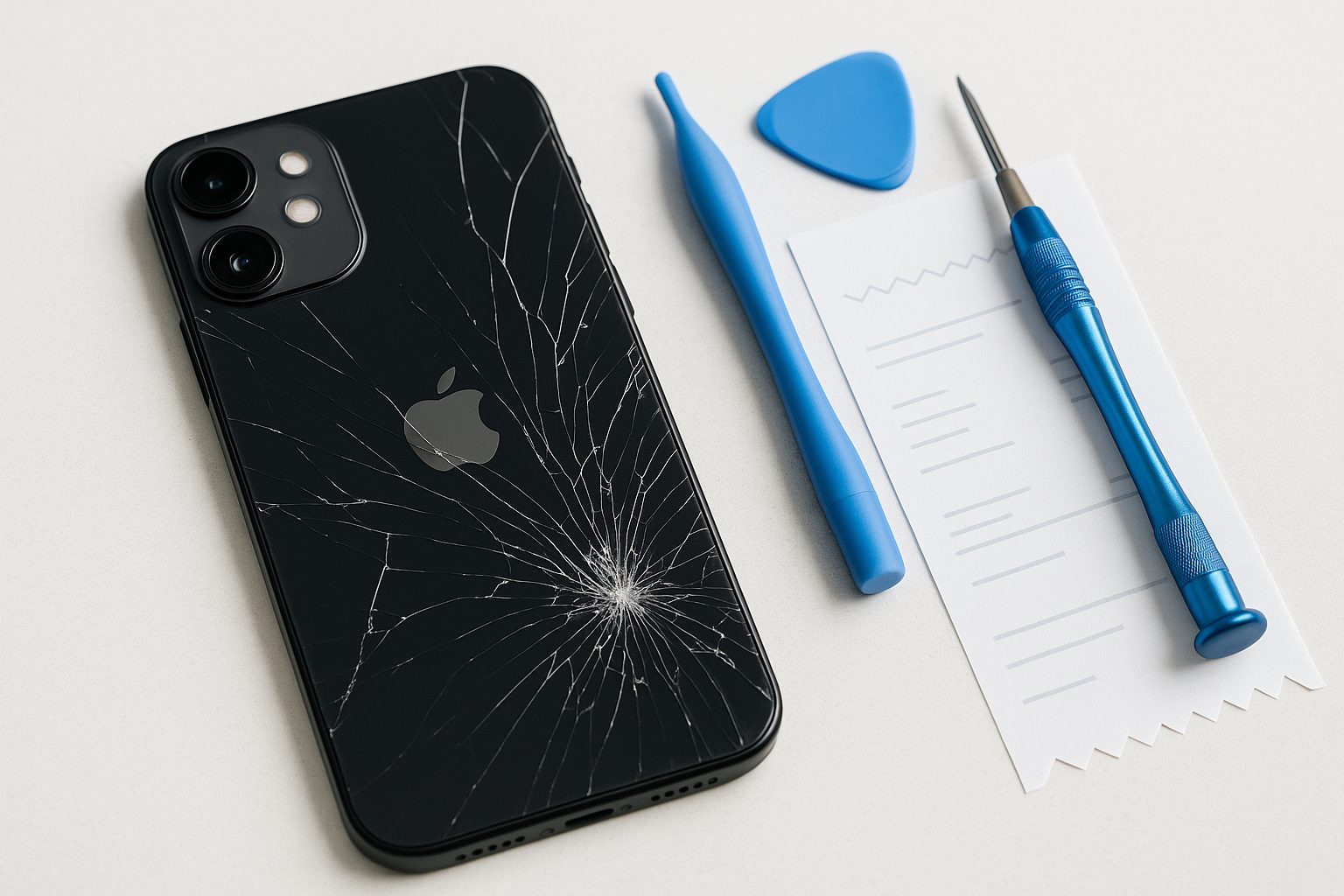
Back Glass Replacement for iPhone: What It Really Costs
Back glass repair is one of the most misunderstood iPhone fixes — pricing swings wildly depending on model and who does the work. Here's what you'll actually pay and why.
MacBook Keyboard Not Working? Fix It Without Sending It to Apple
MacBook keyboard issues range from a single dead key to a completely unresponsive keyboard. Work through these fixes before sending your Mac anywhere for repair.
MacBook Battery Draining Fast: How to Find What's Eating It
Before you blame the battery, interrogate the suspects: Activity Monitor names the process burning your charge, System Information reveals the cycle count, and two display settings quietly cost more than everything else. Here's the full investigation, ending with honest replacement math.
iPhone Wi-Fi Not Working? 8 Fixes to Try Before Taking It In
iPhone Wi-Fi acting up? Try these 8 step-by-step fixes — from toggling Wi-Fi to resetting network settings — before heading to a repair shop.